
Website Demonstration - Divi Modules #1
This page shows samples of the following Divi modules:
Jump to Video
Divi Text and Toggle Module Examples
This is a text module.
The text module is a handy way of presenting some text information to your website visitors. Learn more about the Divi Text Module here.
Formatting modifications from default: background color added, box shadow added, top, bottom, left, and right padding added. “This is a text module” is styled as a Heading 3 for accessible navigation.
This is a Toggle Module
This is toggle box content
- You can use a toggle module box to display a large amount of information in a smaller space.
- Modifications from default: Closed toggle background color is applied; closed title text is styled white; custom icon is chosen and color set to white in closed toggle. Box shadow is applied.
- Note: a toggle can be set to “open” or “closed” state. Once opened, it will until a user closes it or reloads a page.
Similar module: Accordion Module.
Divi Image and Gallery Module Examples
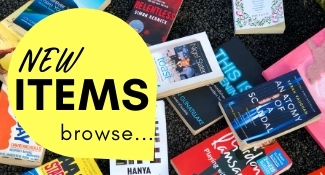
This is an Image Module
Notes about image and gallery modules:
- Links can be added to any image.
- Alt text must be added to all images uploaded to a website.
- Do not use posters or images of text for images.
- Image Module modifcation:
This is a Gallery Module


Divi Blog and Post Slider Module Examples
Note: due to website accessibility standards, we are moving away from using the basic “Post Slider” module and replacing them with the Divi Supreme Pro Blog Carousel Module (see below). All autoplay animations will be turned off on sliders, and the Blog Carousel Module has more customizeable features that improves the look and the accessibility. Post sliders can still be used, but the primary display on most websites will be a Blog Carousel.
This is a Blog Module
Book-A-Room Plugin
Introducing the Book-a-Room plugin for LEANWI websites! Learn how to request the Book-a-Room room reservation system for your LEANWI library website.
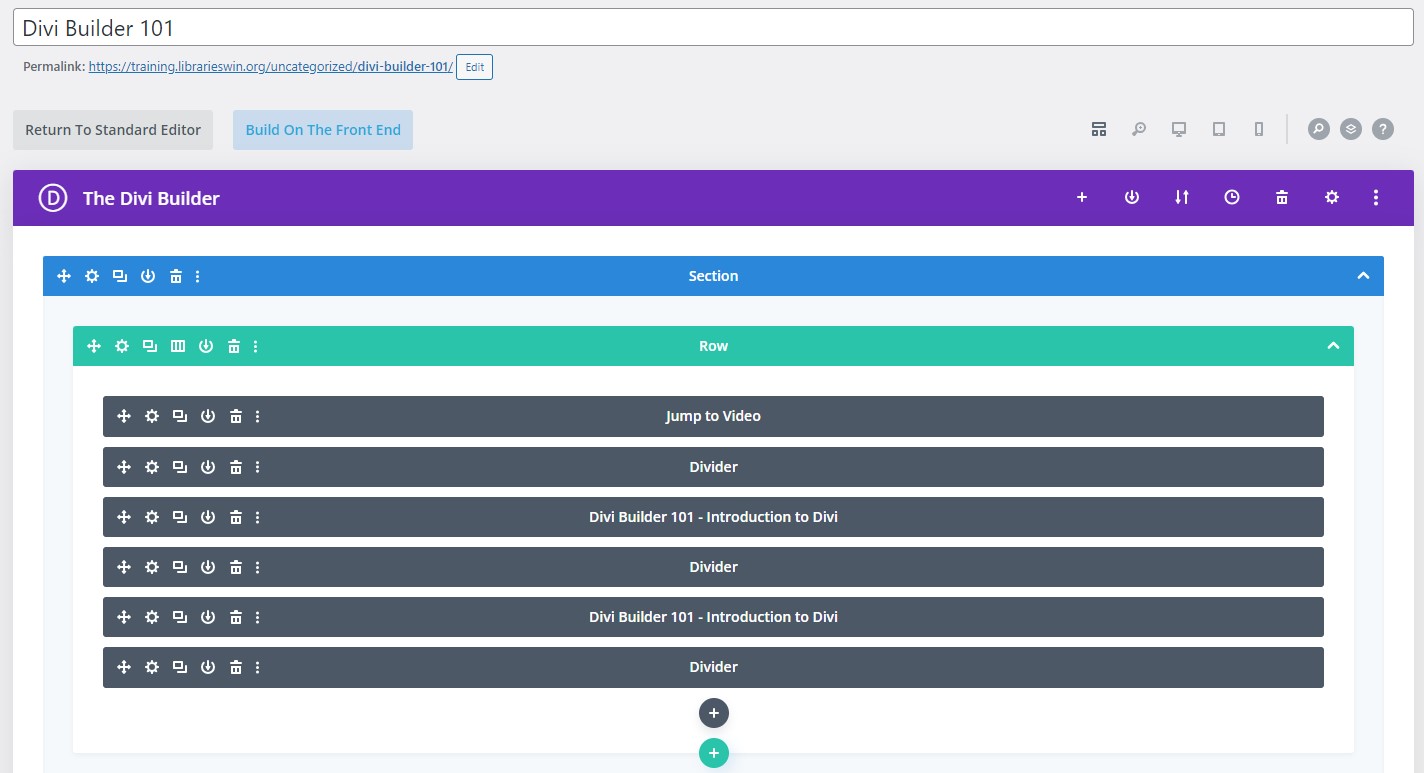
Divi Builder 101
Guide to the basic structure and functions of the Divi Builder, the visual website builder platform that provides the backbone to Libraries Win websites, and how we use it to create new pages for your WordPress website.
This is a basic Post Slider Module
This is a Divi Supreme Blog Carousel Module
Your Role as a Website Manager
Learn about what is expected of you as a library website manager and how LEANWI supports you in making sure your website content is current and accessible to all visitors.

Semi-Annual Review – Cleaning Up Your Website
Time to clean up your website! Here are two checklists for working through your site and making sure your users get the best experience possible.
5 Key Steps to Maintaining Accessible Website Content
Your responsibilities to maintaining accessible website content broken down into 5 basic steps.
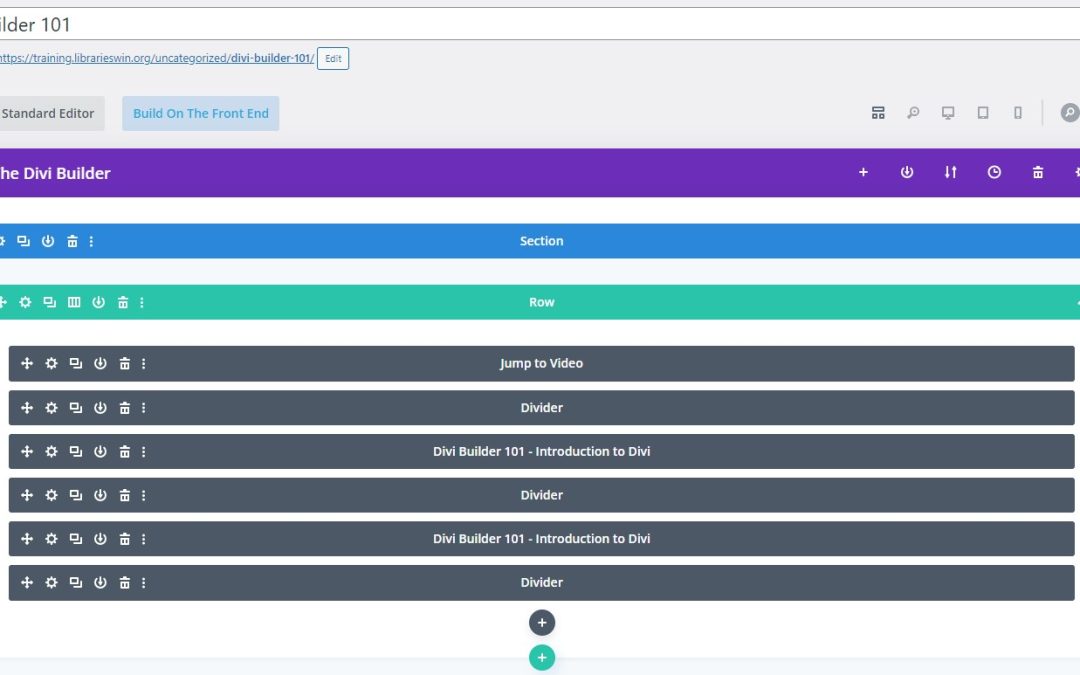
Divi Builder 101
Guide to the basic structure and functions of the Divi Builder, the visual website builder platform that provides the backbone to Libraries Win websites, and how we use it to create new pages for your WordPress website.
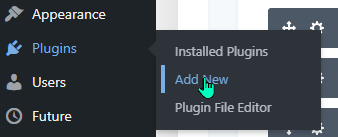
Website Plugins
Plugins are 3rd party pieces of software that enhance the functionality of your website. Learn how to choose, manage, update, and remove plugins from your website.
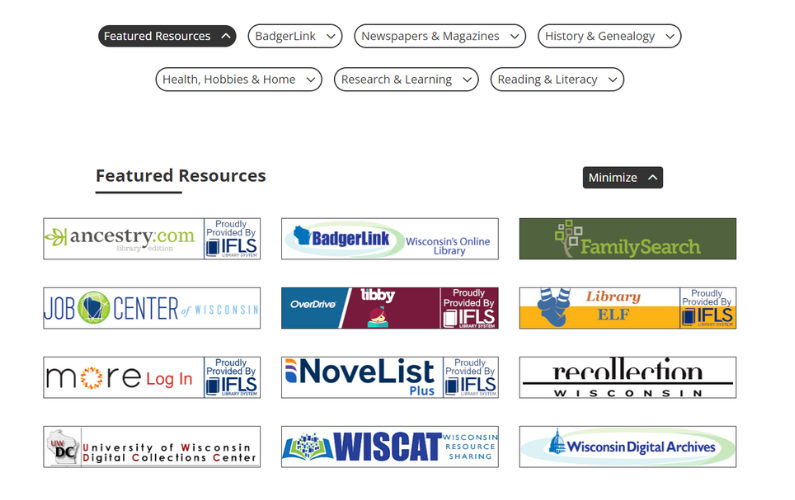
Online Resources
July 2024 - LEANWI Websites is introducing a newly designed, centrally managed "Online Resources" page for LEANWI library websites. Read more here and take the survey for your library's website.
New Website Pre-Planning
Are you a member library of IFLS, NWLS, or WVLS and don't currently have a website through the Libraries Win Website Service - but would like to join? Read more here:
Creating a new blog post for my website
A step-by-step guide to creating a basic blog post, plus basic description of how blog posts appear on various pages of a website via Divi modules.
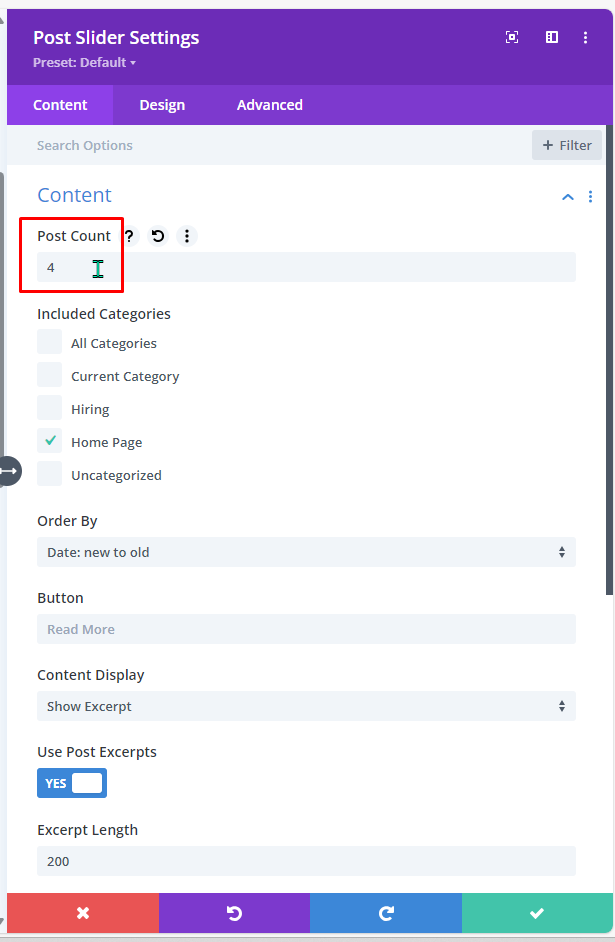
Changing the number of posts in a Post Slider
Learn how to change the number of posts appearing in a Post Slider module on a library website's home page.
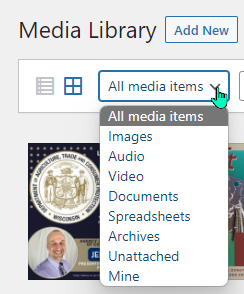
Managing the Media Library
Learn the basics and some more advanced features of managing the Media Library on your website.
Contact
Erica Brewster
Technology and Public Services Support
Wisconsin Valley Library Service
ebrewster@wvls.org
715-261-7255
Monthly Office Hours
2nd Tuesdays 10-11am
3rd Thursdays 2-3 PM
Additional online and in-person trainings announced via email.
If you are not receiving office hour or other website emails, please email ebrewster@wvls.org to be added to the distribution list.