
Website Accessibility Training Posts
Going on a Digital Diet: When PDFs become the restricted ingredient
Learn why PDFs aren’t web-friendly by understanding what the technology is intended for and explore options for reducing their use on websites.

Website Accessibility Presentations and Resources
Links to tools, resources, and past presentations for website accessibility.

UPDATE: Change in ADA Compliance Date
The dates for complying with federal rules for website accessibility have been extended by one year, effective 4/20/2026.
Checker says alt text is missing
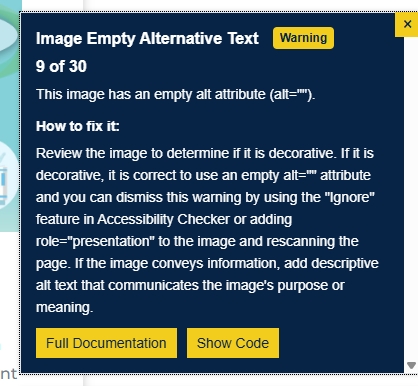
Problem: the Accessibility Checker warns of “Image Empty Alternative Text” despite alt text being present in the image details.

Accessibility Checker Plugin
Learn how to install, run, and interpret results from the Accessibility Checker plugin on you webpages.
Descriptive Links
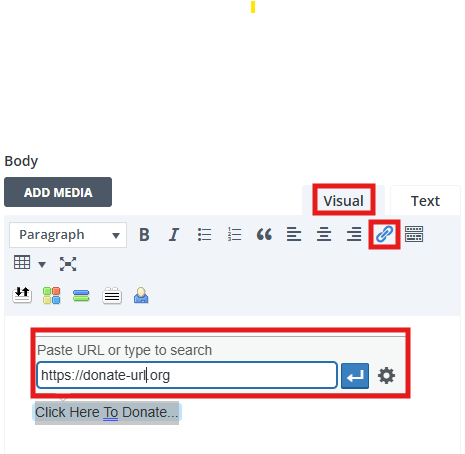
Learn how to properly display hyperlinks using embedded descriptive links and buttons.
Using Canva to Create a Screen Reader-Friendly Infographic
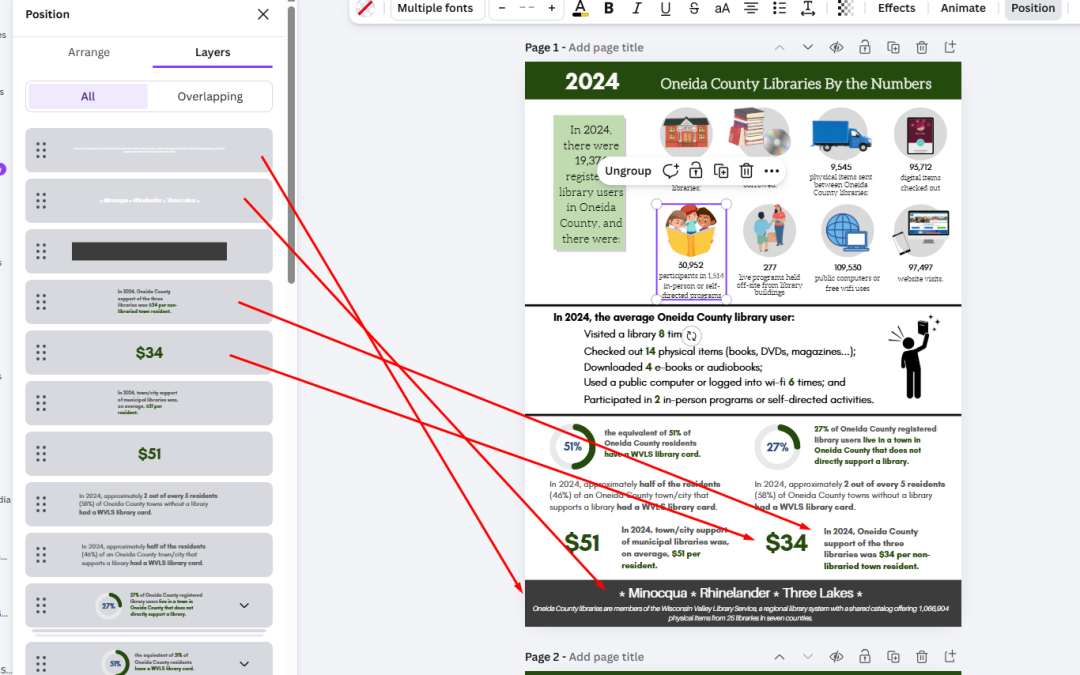
Learn to use tools in Canva to create a basic screen reader-friendly “Canva website” to publish your infographic or newsletter.
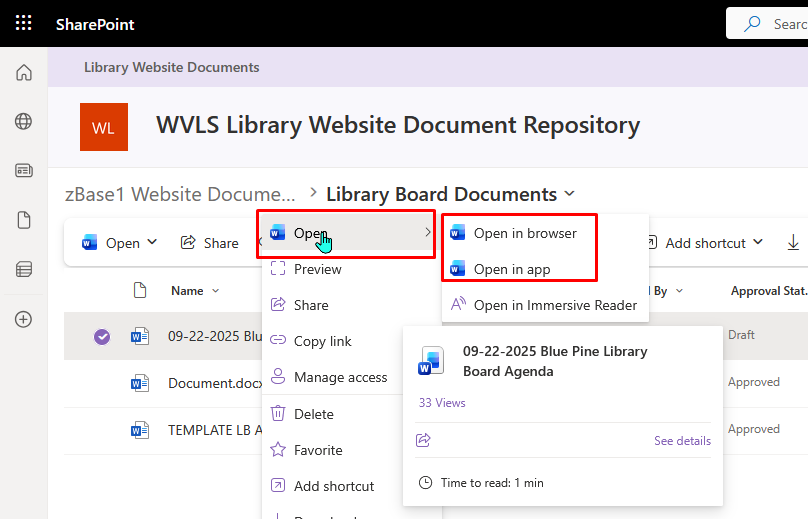
Using SharePoint Document Library – advanced skills
Once you begin be comfortable with using SharePoint to create and link documents on your website, there are some additional features that can enhance your workflow and experience.
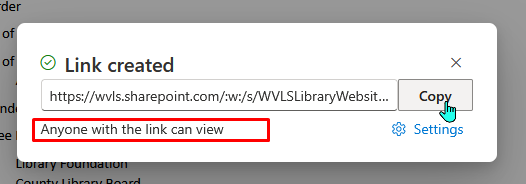
Using SharePoint to Post Website Documents
Basic overview of how SharePoint (or other cloud storage) can be used to display read-only versions of Word documents instead of uploading PDFs or other documents to the WordPress media library.
5 Key Steps to Maintaining Accessible Website Content
Your responsibilities to maintaining accessible website content broken down into 5 basic steps.
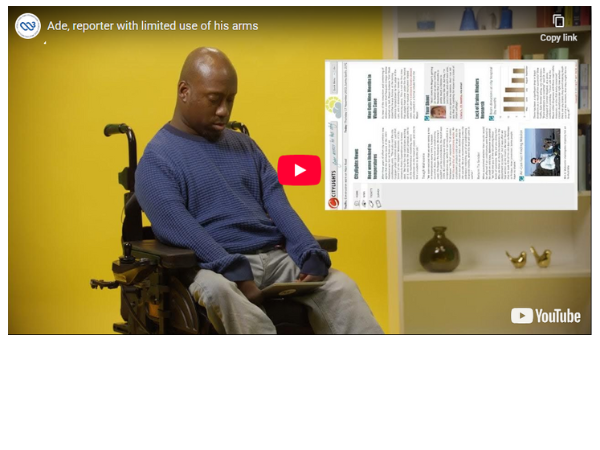
How People with Disabilities Use the Web
Watch these “persona” interviews from the W3C’s Web Accessibility Initiative demonstrating how people of different abilities use assistive technology to navigate a digital world.

Accessibility Update – Fall 2025
Fall 2025 state of accessibility update.
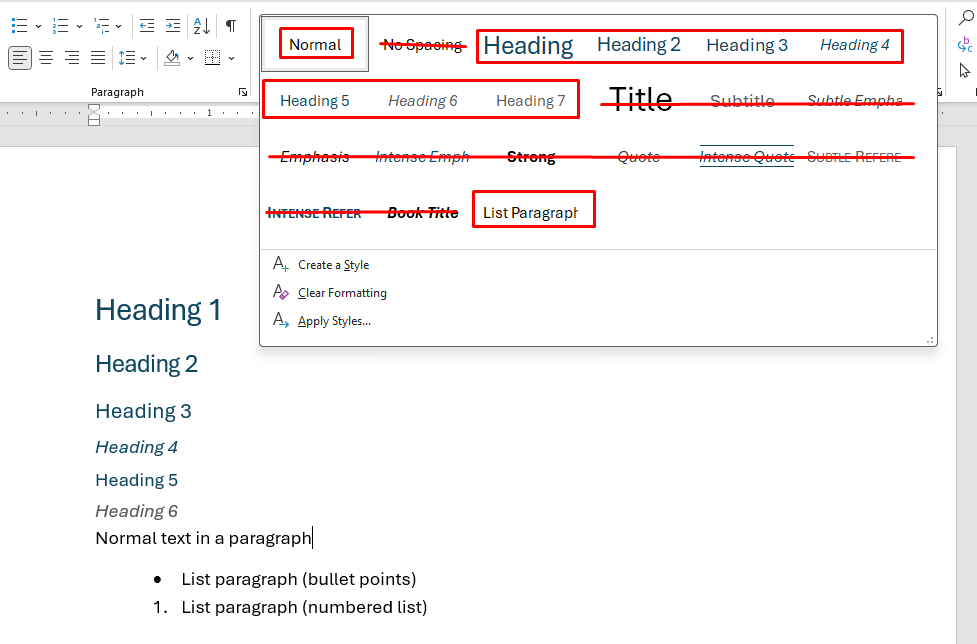
Using Styles to Create Headings in Microsoft Word
Overview on using “Styles” in Word documents and best practices for creating accessible documents using Microsoft Word.

Using NVDA Screen Reader
Curious about how a screen reader works and want to dip your toes into the ocean? Here’s a few tips. Screen readers are very valuable for truly knowing if your webpages are accessible. Be warned – this is a skill that requires practice, but comes with rewards!
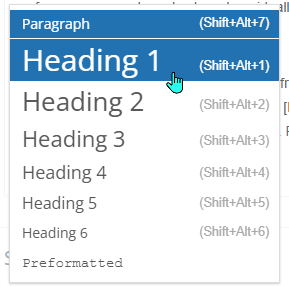
Website Heading Structure
This tutorial focuses on understanding and managing website heading structure, the skeleton of a webpage. It is fundamental to building clean, navigable, and accessible webpages.
Accessible Documents
Accessible documents are necessary any time new content in the form Word, Excel, PowerPoint information is added directly to or linked from a website. This provides an overview of accessibility for written (Word) documents and initial accessibility steps you can take.
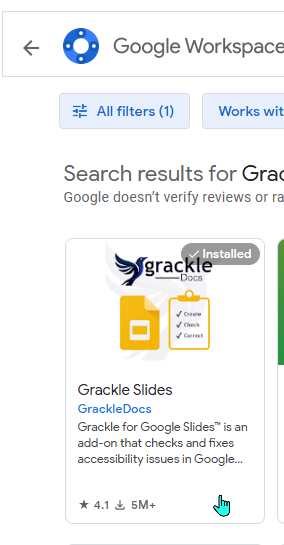
Grackle Google Add-on
“Grackle” is an add-on for Google Docs, Google Slides, and Google Sheets for checking for accessibility issues. If your team publishes to the web using Google productivity tools, this could be a step in assuring ADA compliance for website content.
Accessible Documents – Basics
A high-level overview for understanding document accessibility, why PDFs are problematic, and basic tips and tools for creating documents and posting accessible website content.
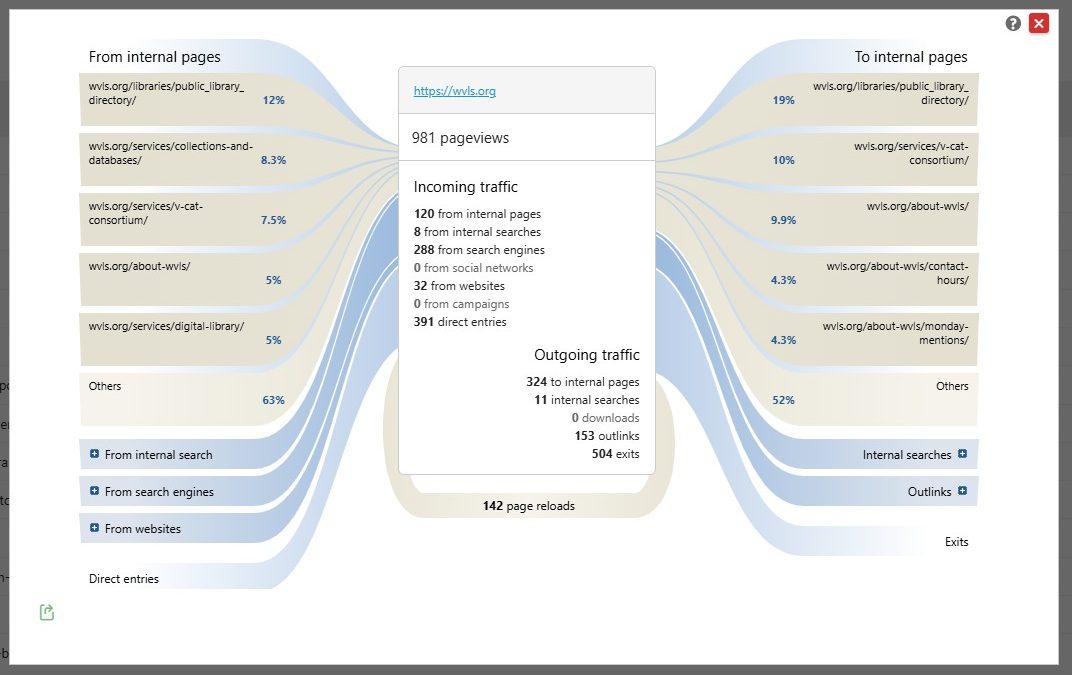
Website Analytics Basics
Learn basic terminology and ways website analytics can help you understand how website visitors are accessing and using your website.
Plugin: Broken Link Checker
Use the Broken Link Checker plugin to flag broken links on your website and get notifications via email and dashboard report.