

Website Demonstration - Divi Modules
This page shows samples of the following Divi modules:
Jump to Video
Divi Text and Toggle Module Examples
THIS IS A TEXT MODULE
The text module is a handy way of presenting some text information to your website visitors. Learn more about the Divi Text Module here.
THIS IS A TOGGLE BOX MODULE
This is toggle box content
- You can use a toggle module box to display a large amount of information in a smaller space.
- It is more easily scannable by a website visitor.
- This is a PDF of our most recent meeting minutes
Divi Image and Gallery Module Examples
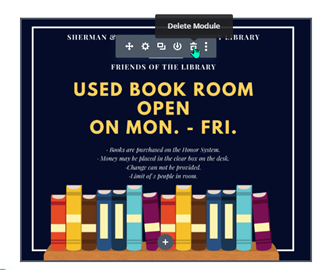
THIS IS AN IMAGE MODULE
THIS IS A GALLERY MODULE





Divi Blog and Post Slider Module Examples
THIS IS A BLOG MODULE
Site Health Status
One of the first things you see when you log into your website’s dashboard is the WordPress “Site Health Status” widget. Sometimes the status is “good” with a green circle; often it is “Should be improved” with a yellow circle. Rarely, it will be a red circle.
Here is what you need to know, actions you should take, and things you can ignore relating to your site’s health status.
Setting a Future Action on a Post
Setting a future action with the PublishPress Future plugin is an easy way to automatically schedule changes to a published post or page in WordPress.
When creating or editing a post or page, you can use the plugin to change the status at a given date and time in the future.
Site Health Status
One of the first things you see when you log into your website’s dashboard is the WordPress “Site Health Status” widget. Sometimes the status is “good” with a green circle; often it is “Should be improved” with a yellow circle. Rarely, it will be a red circle.
Here is what you need to know, actions you should take, and things you can ignore relating to your site’s health status.
Setting a Future Action on a Post
Setting a future action with the PublishPress Future plugin is an easy way to automatically schedule changes to a published post or page in WordPress.
When creating or editing a post or page, you can use the plugin to change the status at a given date and time in the future.
THIS IS A POST SLIDER MODULE
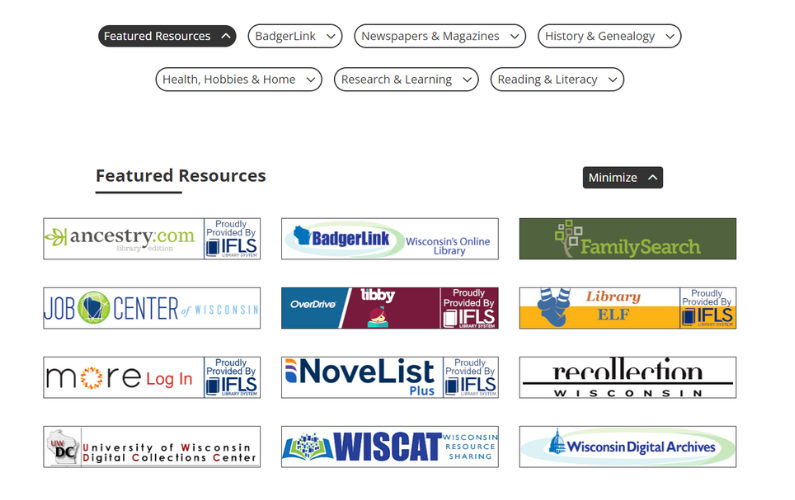
**NEW* Online Resources
July 2024 – LEANWI Websites is introducing a newly designed, centrally managed “Online Resources” page for LEANWI library websites. Read more here and take the survey for your library’s website.

5 Key Steps to Maintaining Accessible Website Content
Your responsibilities to maintaining accessible website content broken down into 5 basic steps.
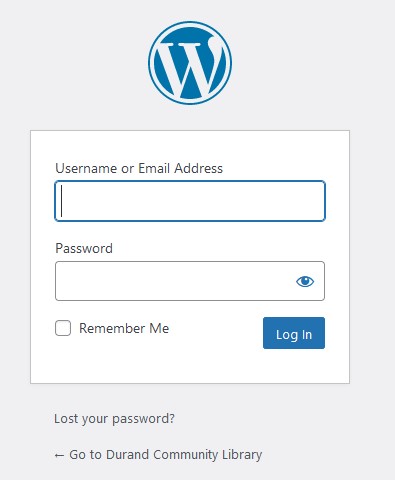
Accessing your website – logging in for the first time
A step-by-step guide to logging into your library’s website administration dashboard for the first time.
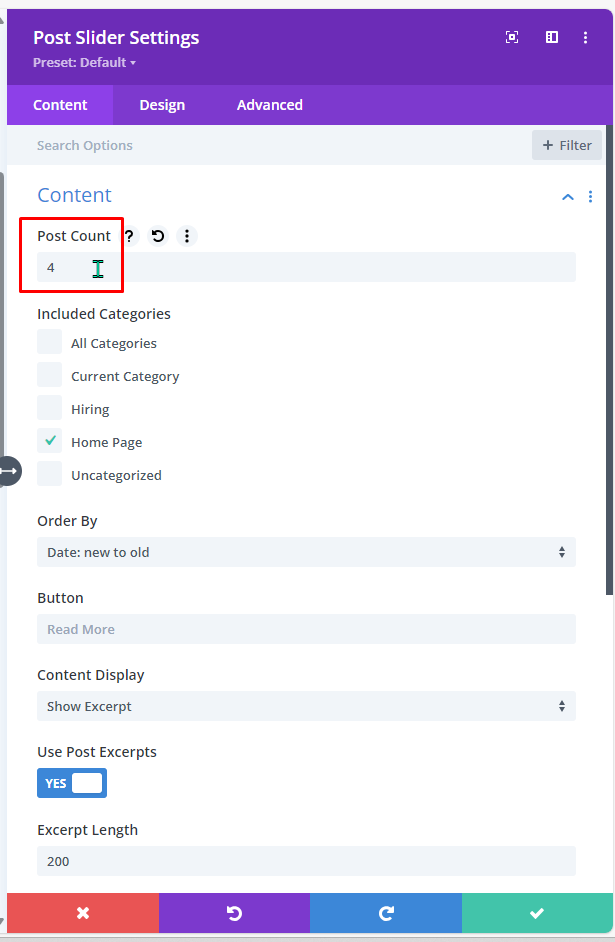
Changing the number of posts in a Post Slider
Learn how to change the number of posts appearing in a Post Slider module on a library website’s home page.
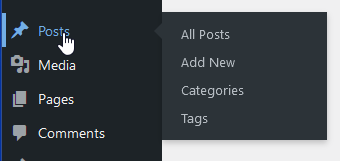
Creating a new blog post for my website
A step-by-step guide to creating a basic blog post, plus basic description of how blog posts appear on various pages of a website via Divi modules.
Contact
Erica Brewster
Technology and Public Services Support
Wisconsin Valley Library Service
ebrewster@wvls.org
715-261-7255
Monthly Office Hours
2nd Tuesdays 10-11am
3rd Thursdays 2-3 PM
Additional online and in-person trainings announced via email.
If you are not receiving office hour or other website emails, please email ebrewster@wvls.org to be added to the distribution list.