

PROBLEM: Accessibility Checker gives the warning Image Empty Alternative Text / This image has an empty alt attribute (alt=””). But alt text HAS been added to the attachment details. 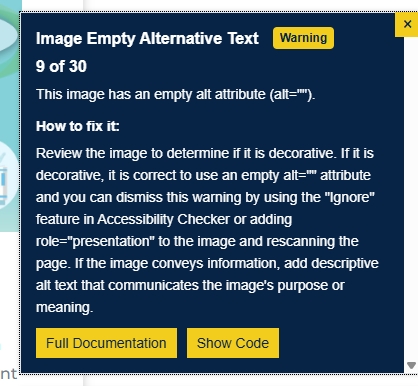
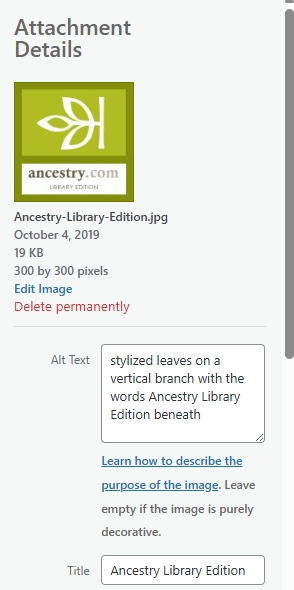
LIKELY CAUSE: Image was uploaded and added to element; alt text was added to the image in the media library at a later date.
SOLUTION (two options):
- re-upload the image to the media library and add the alt text before inserting newly uploaded image into module;
- or manually put the alt text in the Advanced > Attributes > Image alt text section.
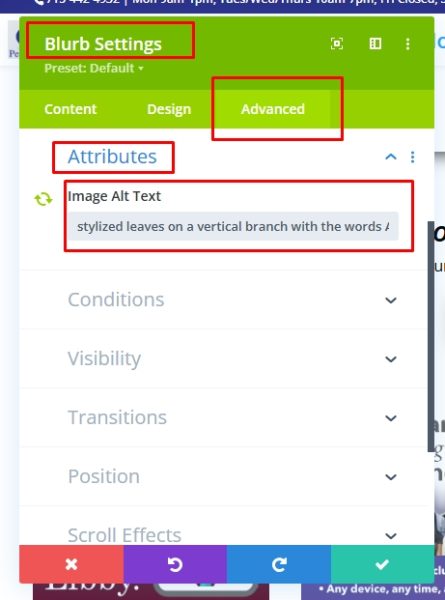
note: if you use this second method, you likely will continue to see an empty alt text warning when you rescan the page. However, if you use a screen reader, the image alt text will be read as expected.
BEST PRACTICE:
Upload image to the media library (either directly into the media library or from “add media” link in your module or post). Add alt text to your media at this point before saving/publishing.